Manage your practice.
Simplify your queue.
Manage bookings, consultation queues, front-desk activity and patient visits with queue.ktshub.in
- Create your doctor profile
- Add one or more clinic locations
- Set your consultation days and hours
- Generate a booking QR for each clinic
- Add front-desk staff when needed
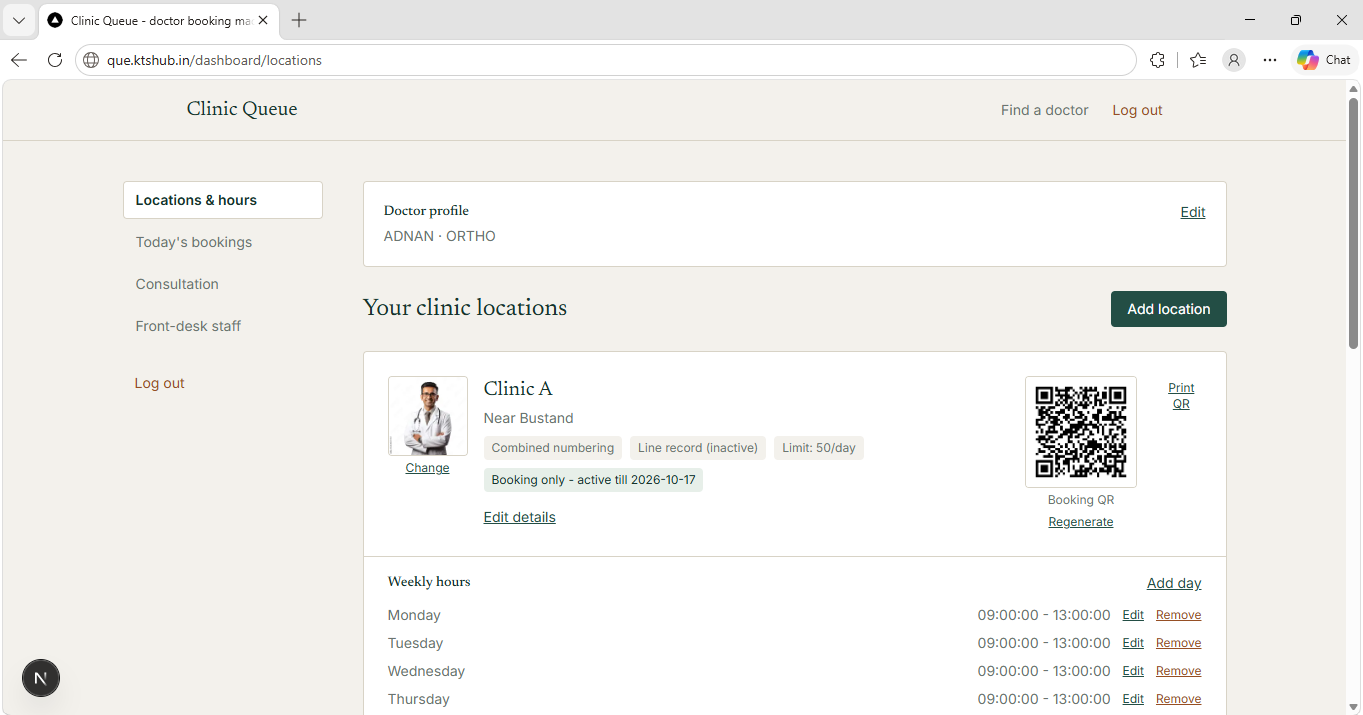
Real software interface — not a concept image.
Give your patients three easy ways to book
Let patients book online, scan your clinic QR code, or simply call your front desk.
Online Booking
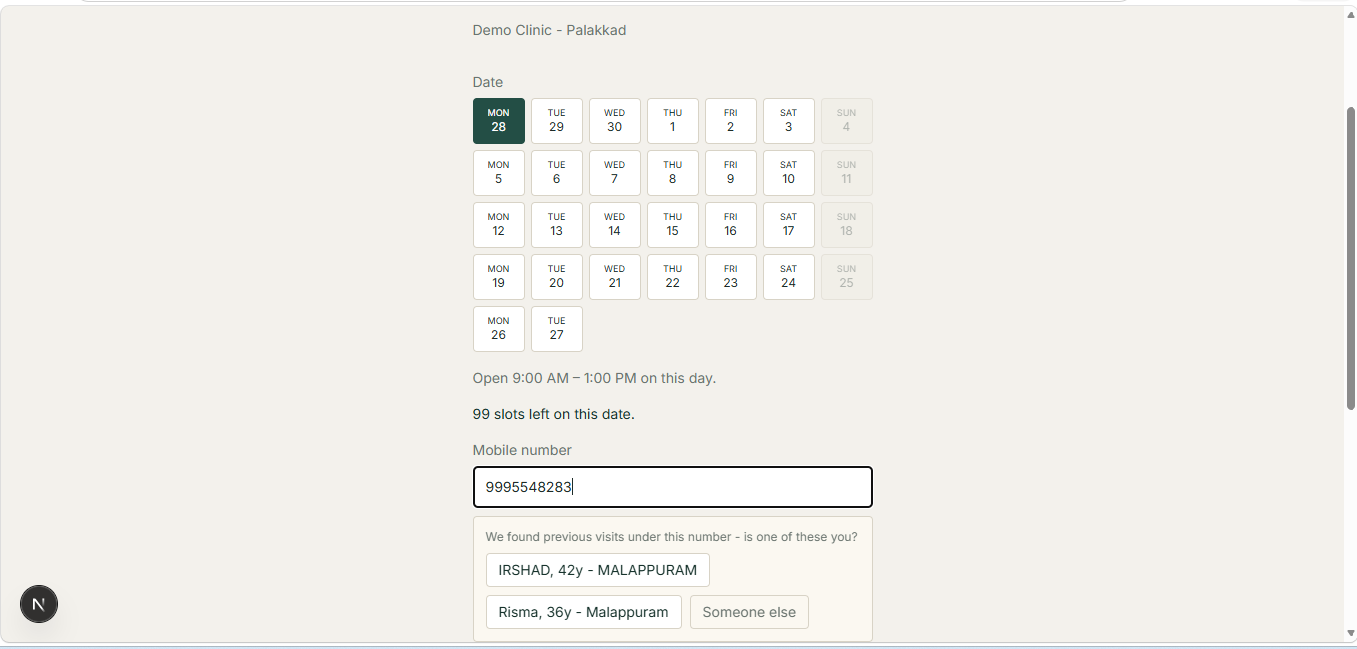
Patients can find your profile, choose a date and book their visit online.
QR Code Booking
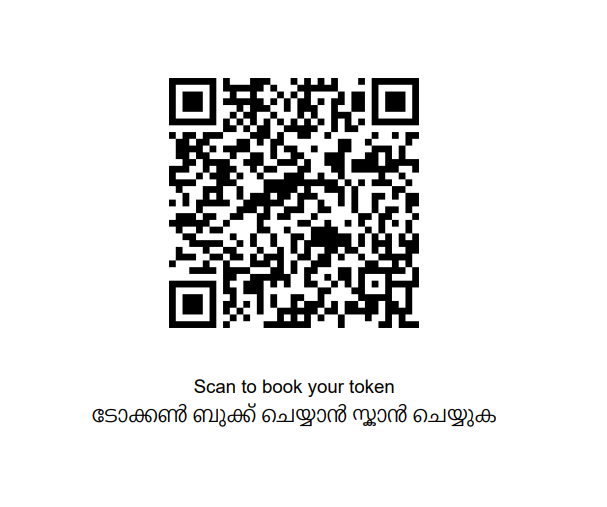
Place your clinic QR code at the reception. Patients scan it and book from their phone.
Phone Booking
When a patient calls, your front-desk staff can create the booking for them.
Choose how your booking numbers work
Different practices work differently. queue.ktshub.in supports two booking workflows.
Booking number = Consultation number
The booking number itself becomes the patient's consultation or token number.
Booking number = Reference only
The booking confirms the visit and helps the patient know your availability. The consultation number is given when the patient arrives at the clinic.
See how queue.ktshub.in works
These are real screens from the platform your patients, front-desk staff and doctors can use every day.
Your practice at a glance
See your clinic locations, consultation hours and booking settings from one place.
Simple booking for patients
Patients choose a date, provide their mobile number and book their visit. Returning patients can be recognised using the same mobile number.
A booking QR for every clinic
Generate a QR code for each location and place it at your clinic reception or entrance.
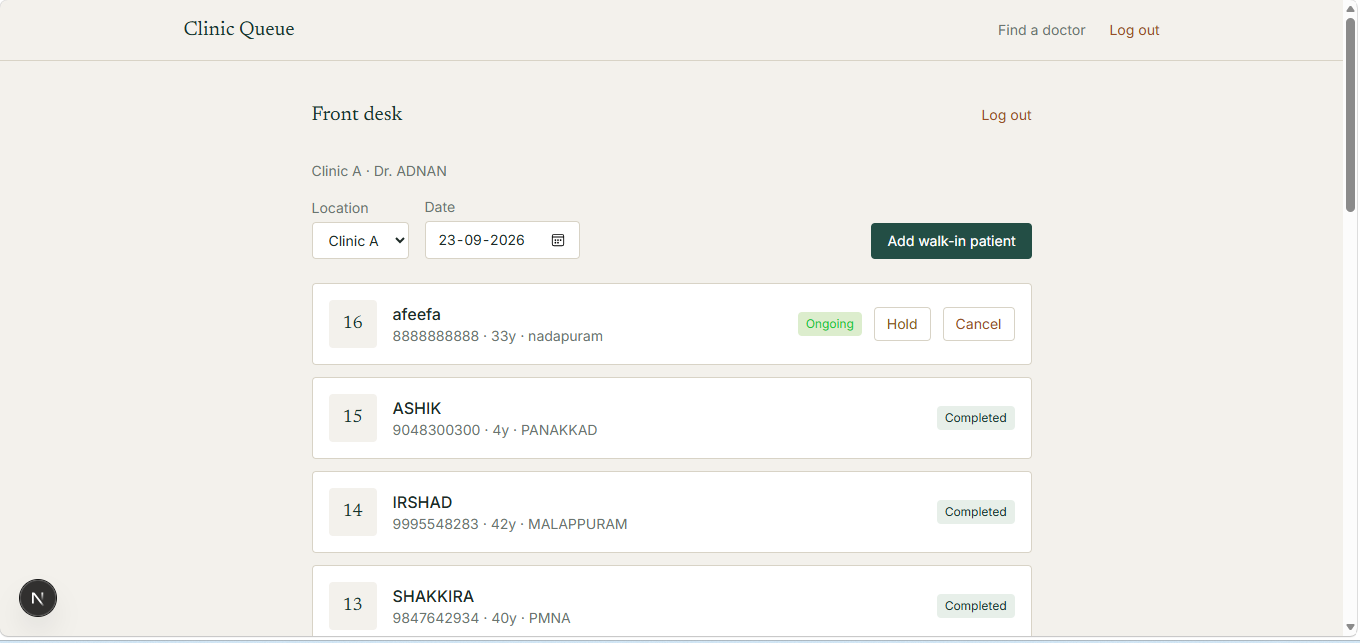
A live queue for your front desk
Staff can add walk-in patients, call the next patient, hold a booking and manage the queue from a mobile phone.
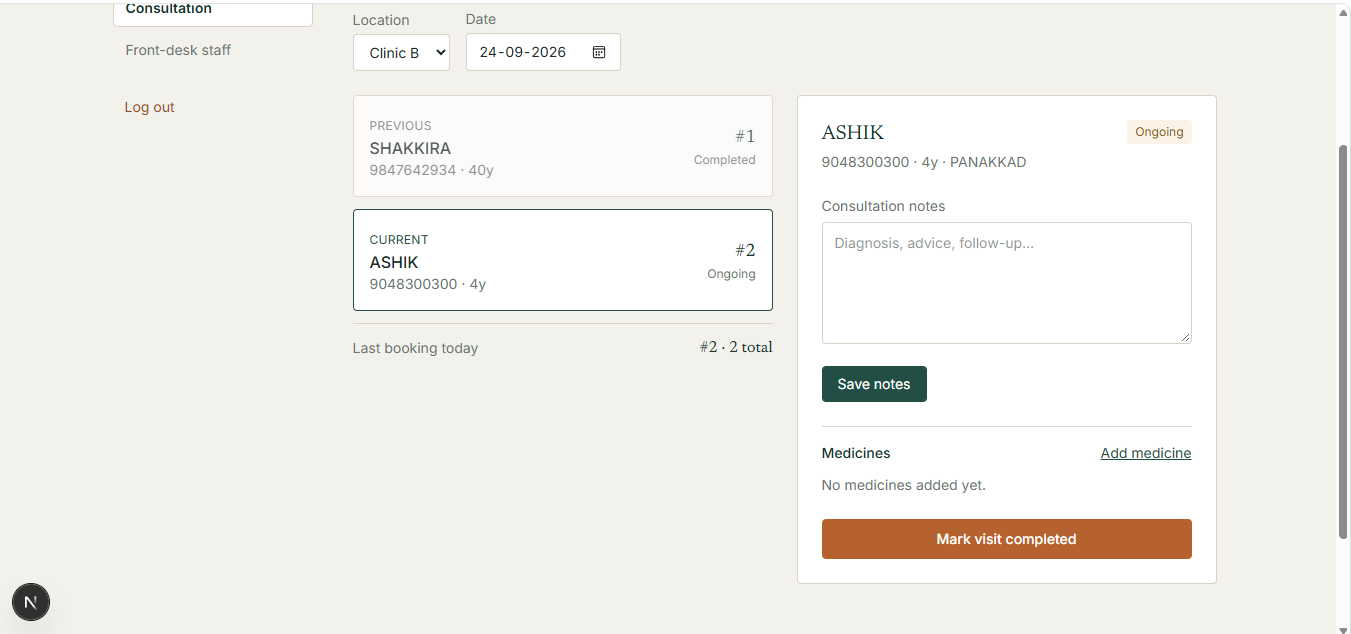
Consultation at a glance
Doctors can see the previous, current and next patient, add consultation notes, manage medicines and mark the visit completed.
Everything you need to manage your clinic
Keep your daily practice organised without making your workflow complicated.
Smart Queue
Manage previous, current and next patients easily.
Multiple Locations
Manage different clinics and consultation locations.
Front Desk
Give staff access to manage bookings and call patients.
Consultation Notes
Add notes during the patient's consultation.
Medicine Management
Add medicines as part of the consultation workflow.
Prescription Support
Support prescription photo uploads where required.
Ready to manage your practice?
Create your doctor profile, add your clinic and start managing bookings and your queue with queue.ktshub.in.
Register as a Doctor